UI Walkthrough: WordPress Visual Placer
This walkthrough covers how to place ads against exact DOM elements using the WordPress plugin Visual Placer.
Goal
Attach a slot to a precise element on a page and control insertion and style behavior.
Steps
- In WordPress admin, open YnoAds -> Visual Placer.
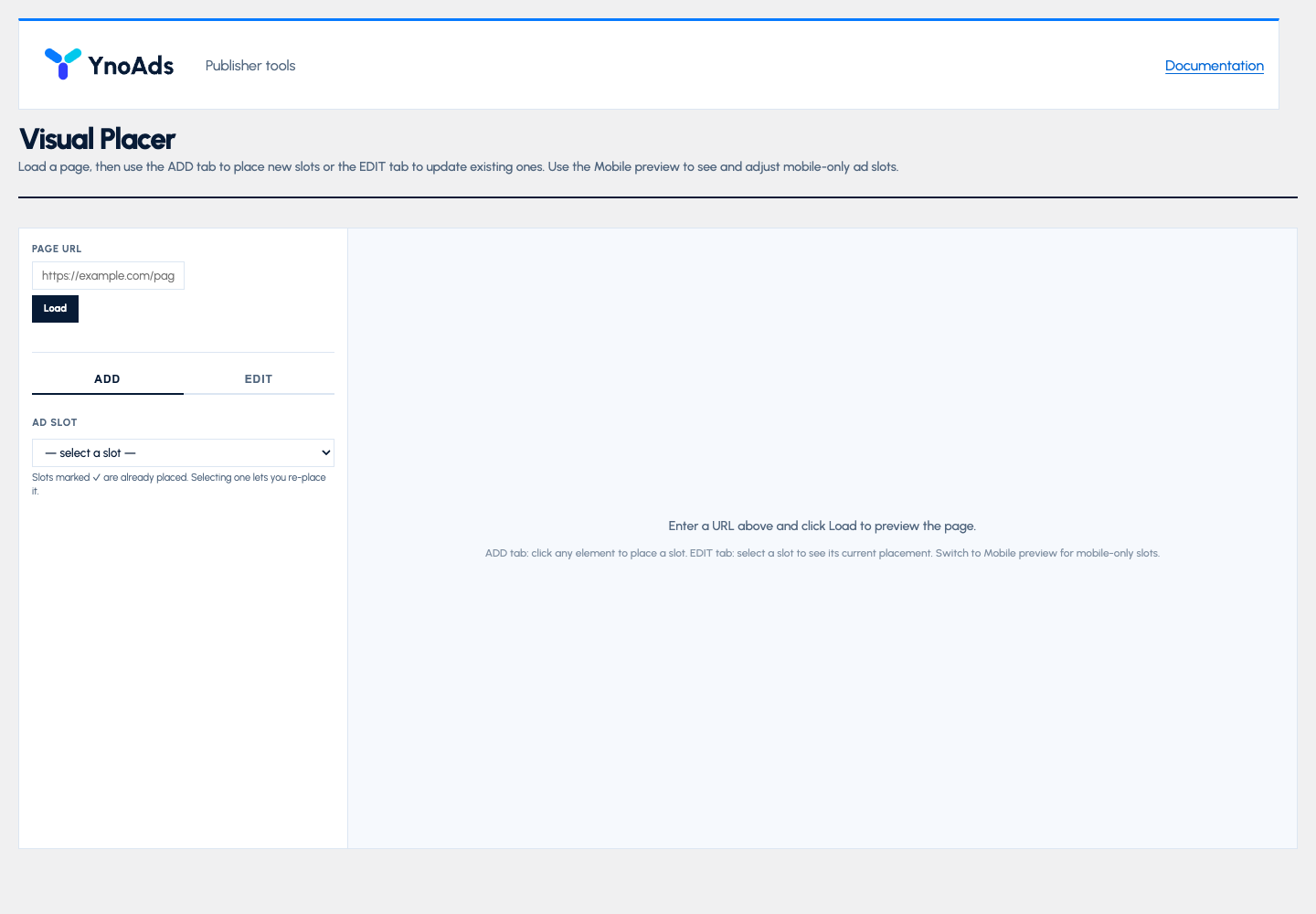
- Select an Ad Slot from the slot dropdown.
- Enter a full target URL (
https://...) and click Load. - Wait for the iframe preview and injector readiness.
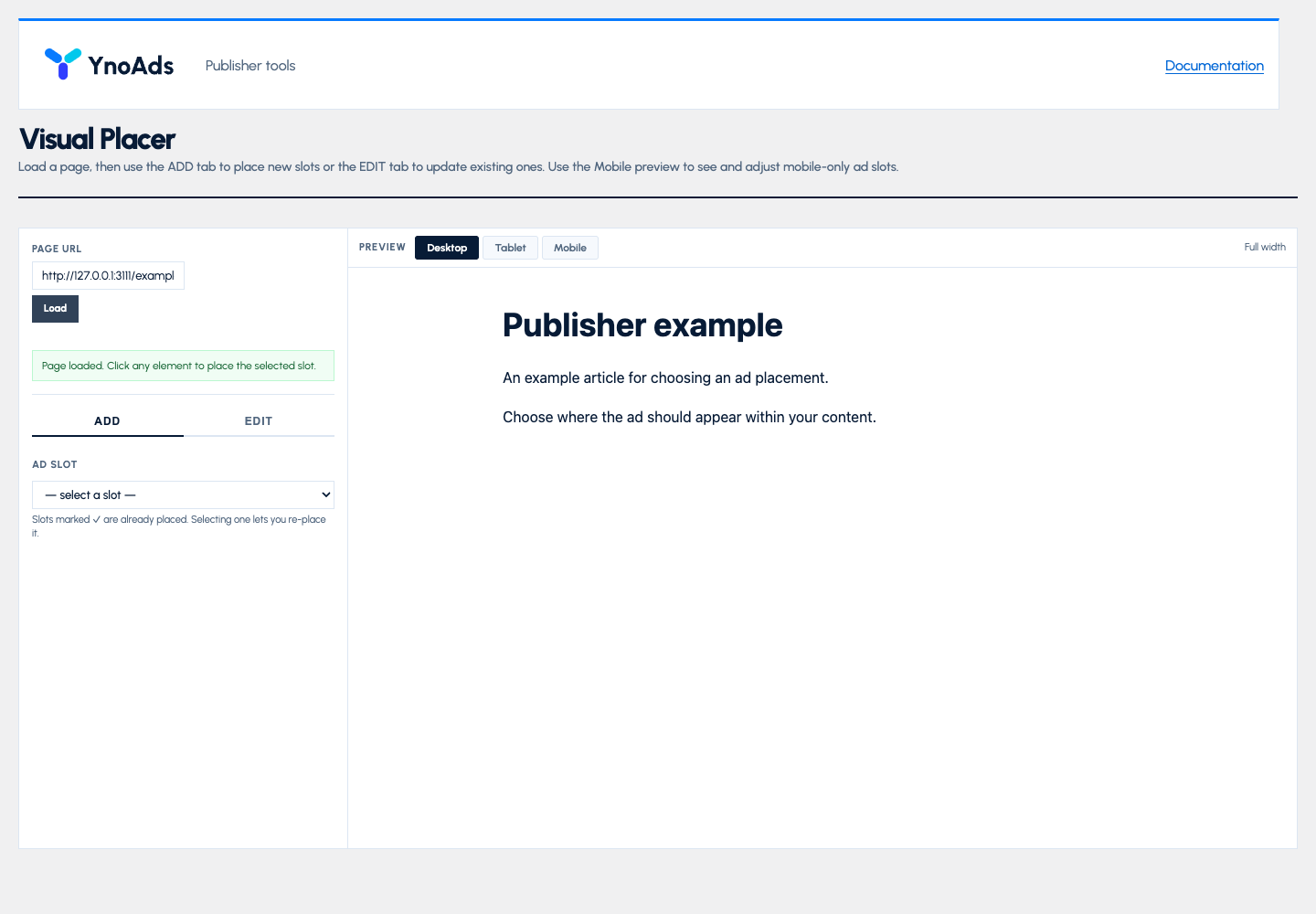
- Click an element in the preview to capture the selector.
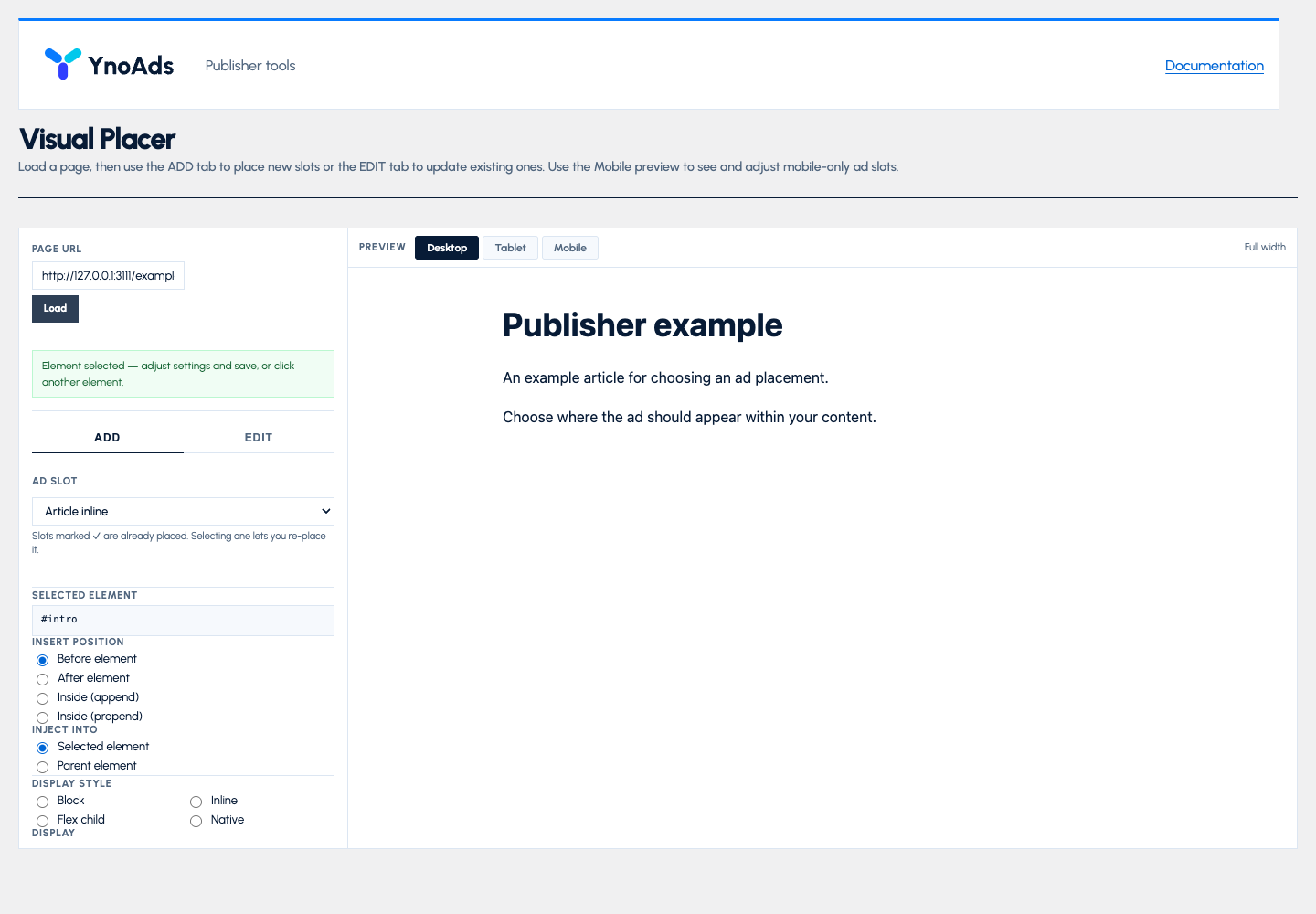
- Configure insertion options:
- Insert position (
beforebegin,afterend,beforeend,afterbegin) - Inject into (
selforparent) - Style preset or custom style fields
- Insert position (
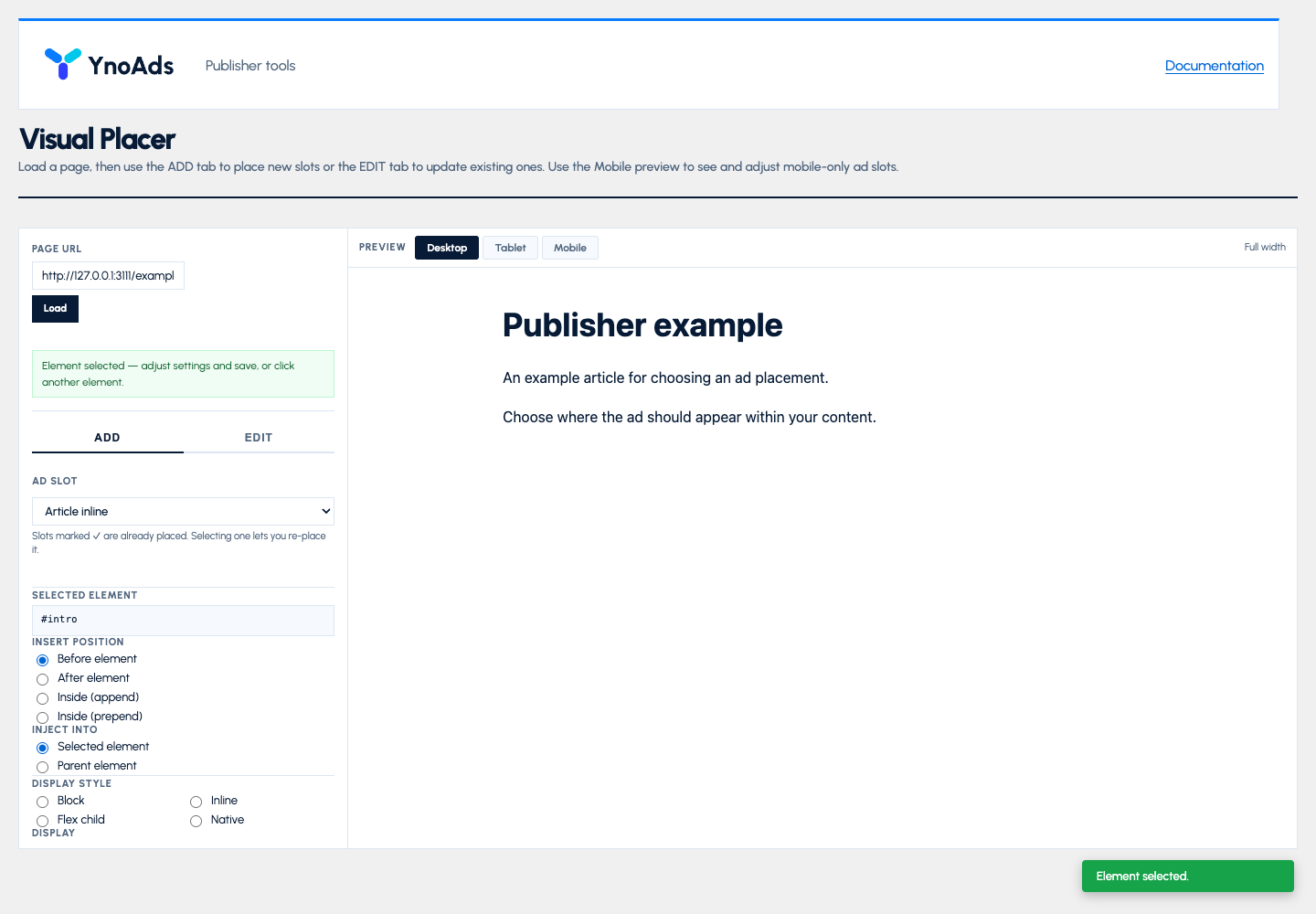
- Click Save placement.
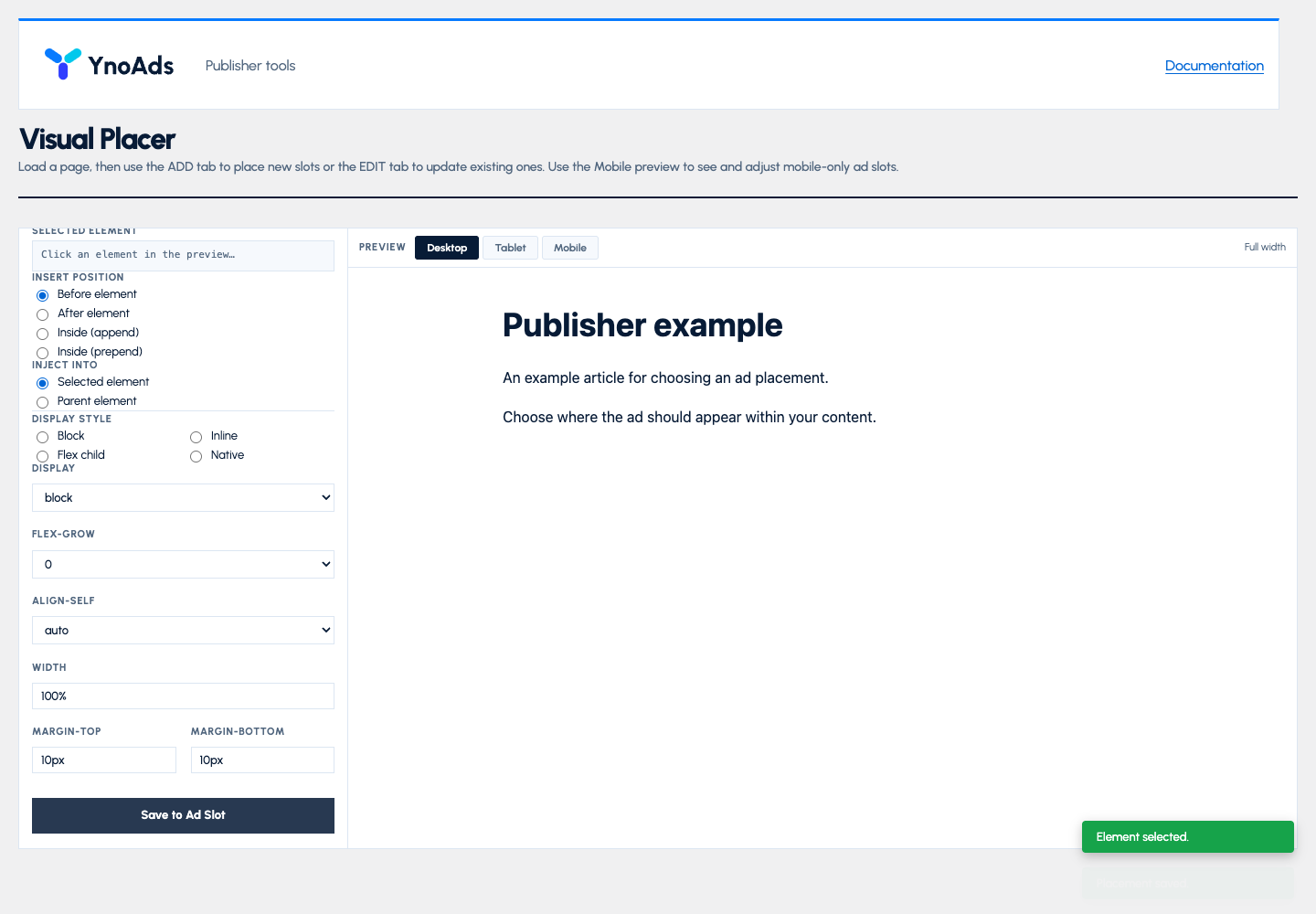
Expected result
- Slot injects near the selected DOM target on live pages.
- If selector targeting fails on a page, the plugin falls back to location-based injection.