UI Walkthrough: Campaign Creation
This walkthrough covers creating a campaign in the dashboard, including keywords and brand colors used later for FillTh.at (third-party, integrated with YnoAds) placeholder ads.
Goal
Create a new campaign with budget, bidding strategy, dates, keywords, and brand colors.
Steps
- Open Dashboard -> Campaigns.
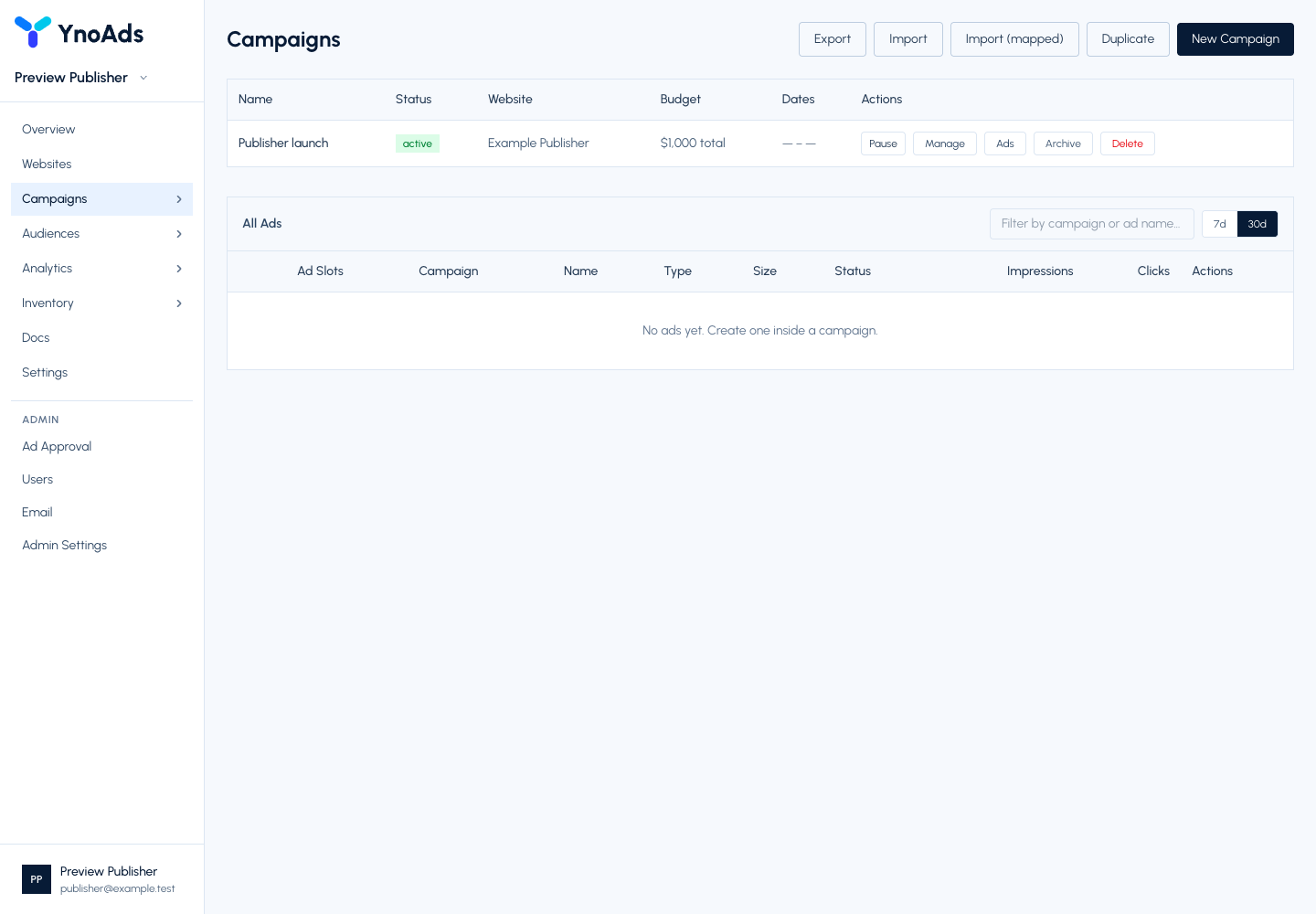
- Click New Campaign.
- Fill required fields:
- Name
- Project
- Budget and budget type
- Pricing model and bidding strategy
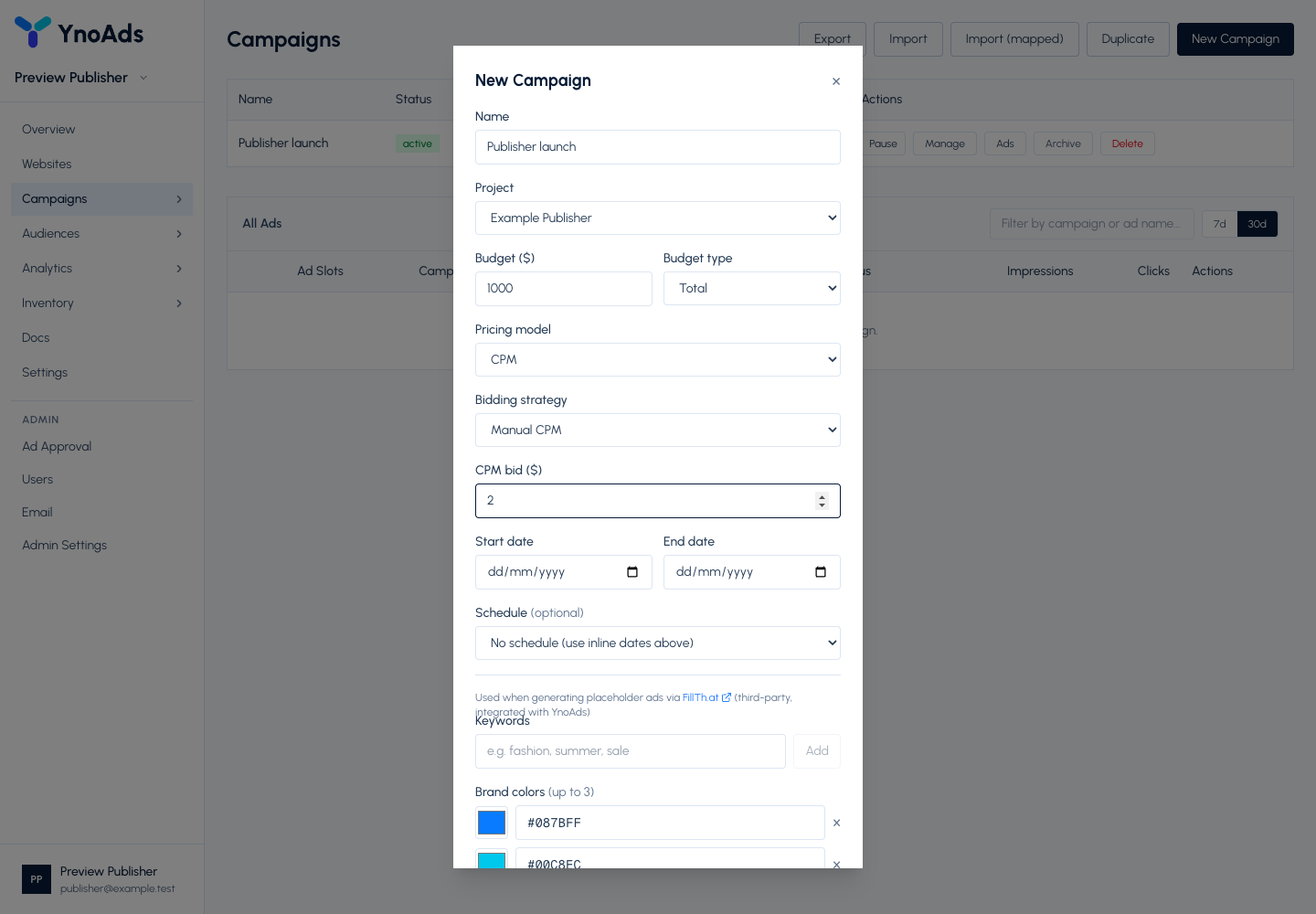
- If using manual bidding, enter CPC or CPM values; if auto, set max daily budget.
- Optionally set start and end dates.
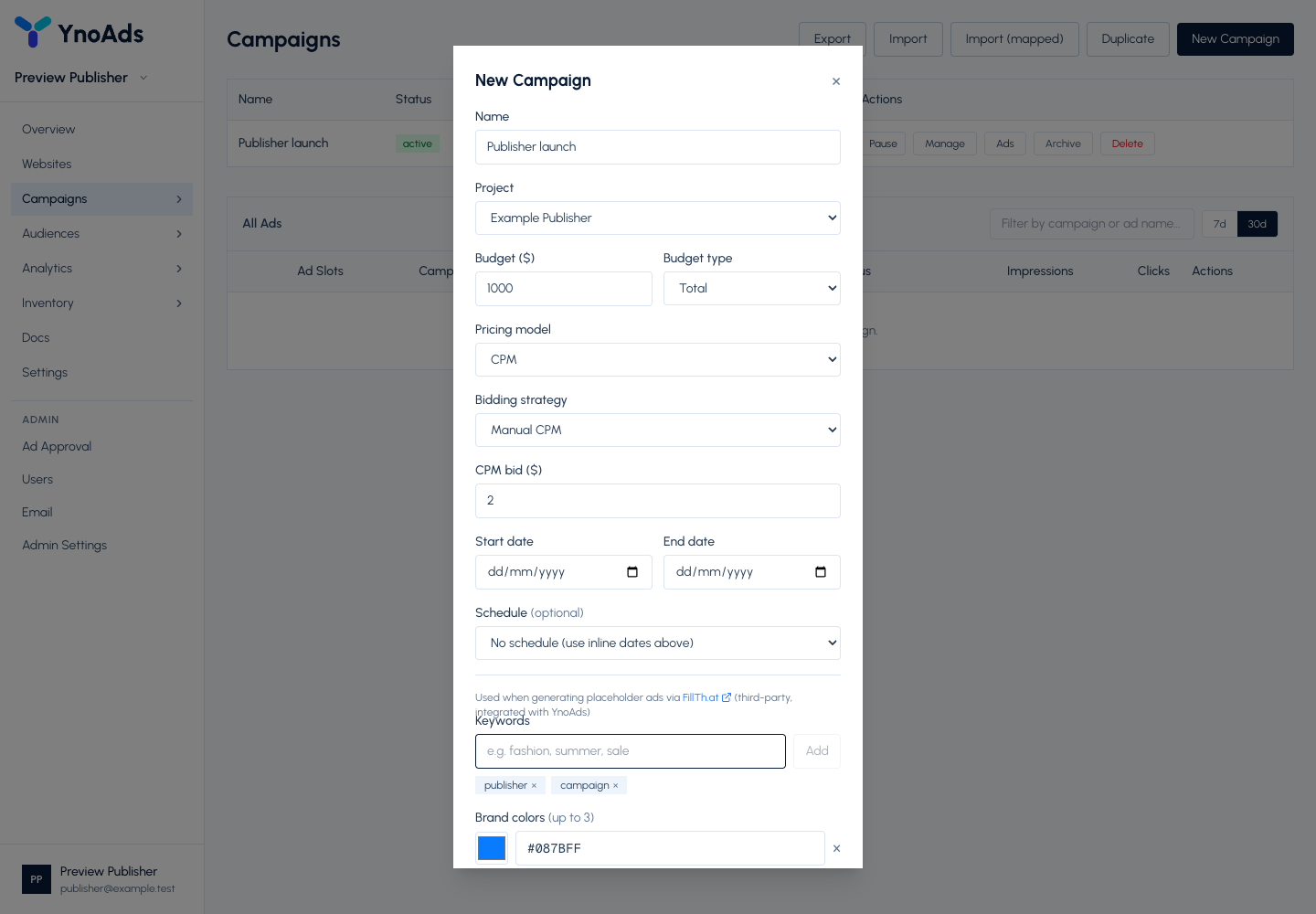
- Add Keywords (used by FillTh.at variants later).
- Add Brand Colors in
#rrggbbformat.
- Save campaign.
Expected result
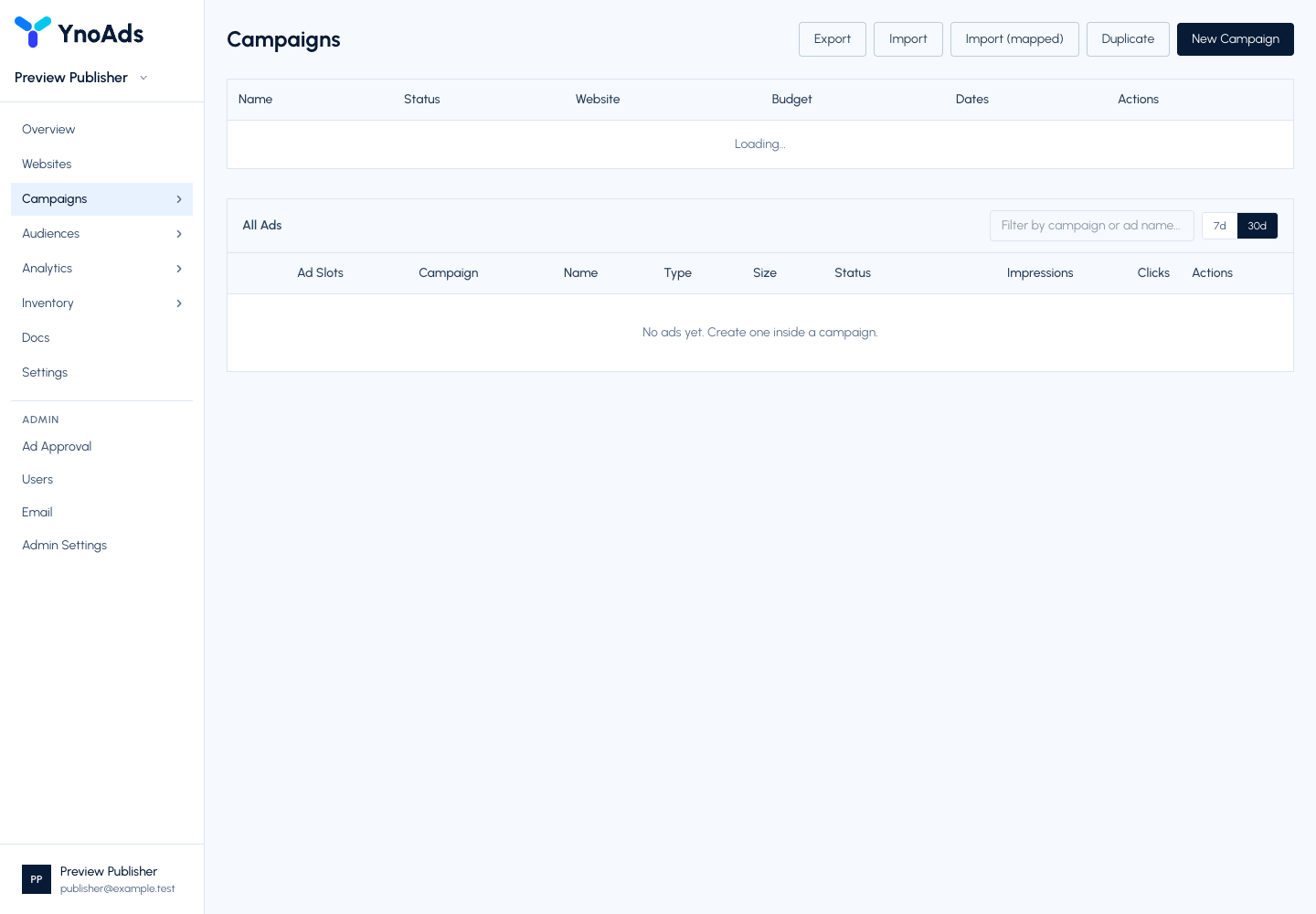
- Campaign appears in the list with the chosen status.
- If the integrated flow is enabled, the user can continue into the placeholder ad generation modal.