UI Walkthrough: Placeholder Generation (FillTh.at)
This walkthrough documents generating placeholder creatives from the dashboard using FillTh.at (third-party, integrated with YnoAds).
Goal
Generate multiple placeholder ad variants per placement, then publish quickly and replace creatives later.
Entry points
- Immediately after campaign creation in Campaigns.
- On demand from the campaign Ads page (Placeholders).
Steps
- Open the placeholder generator modal.
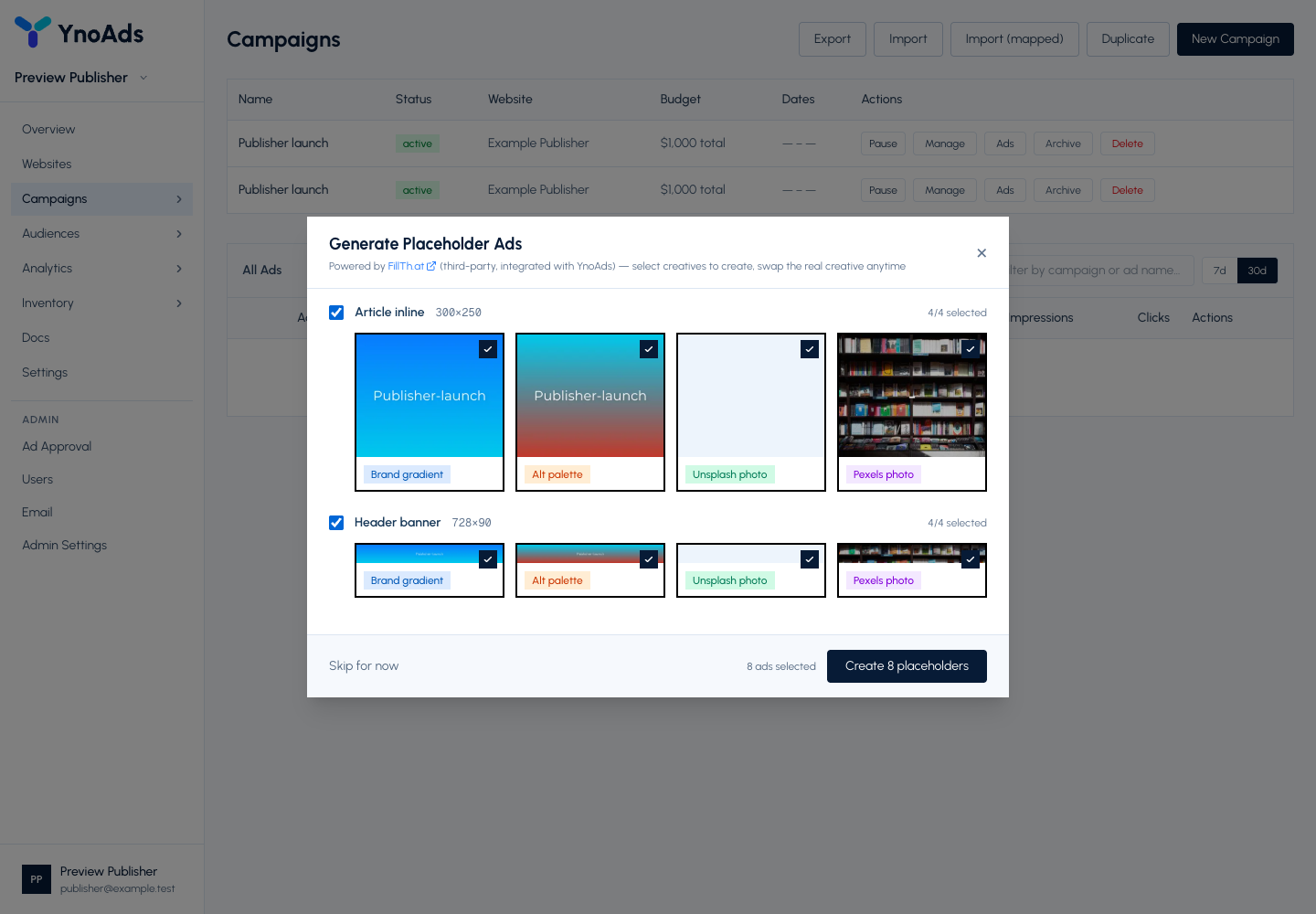
- Wait for project placements to load.
- Review variants generated per placement:
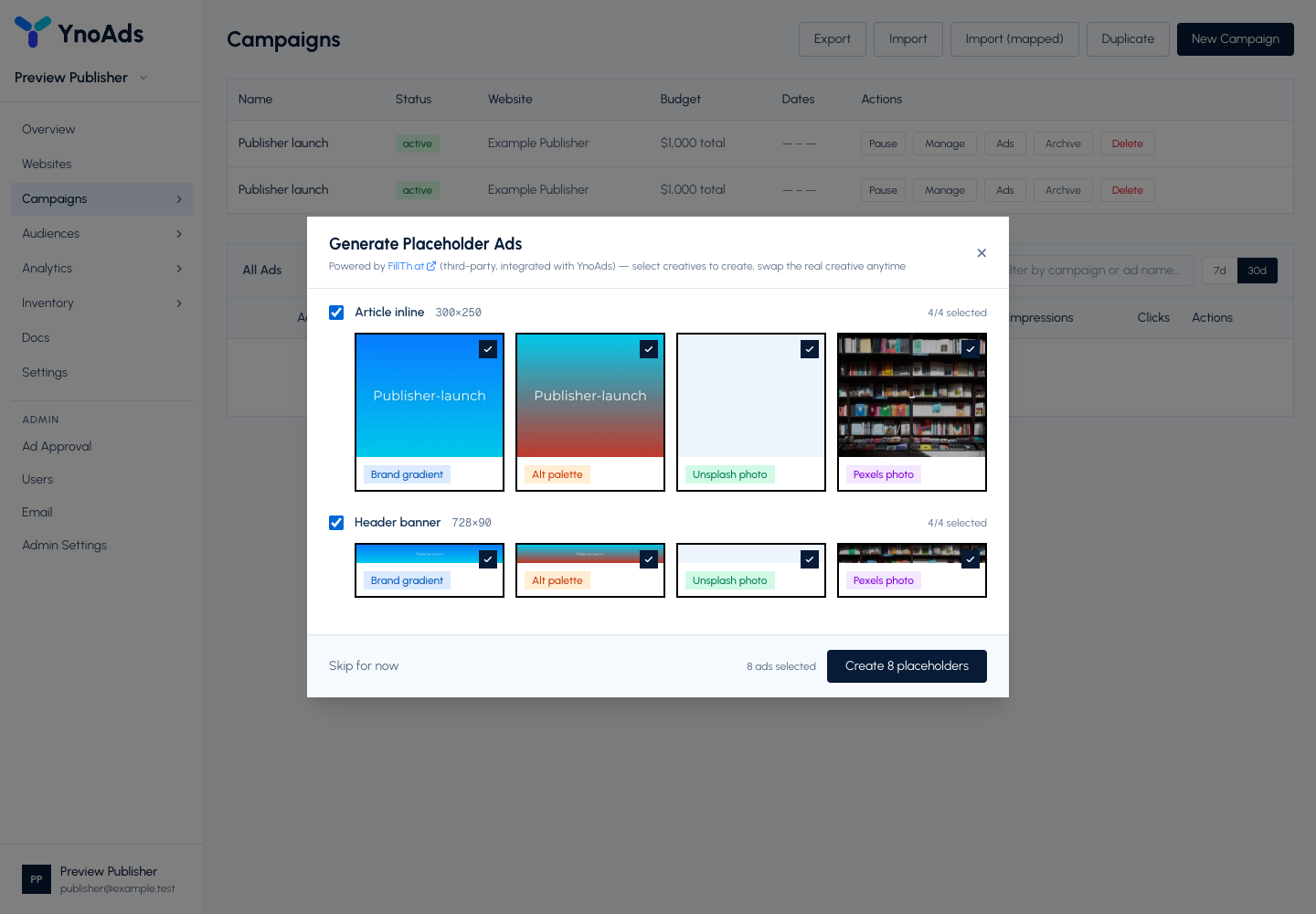
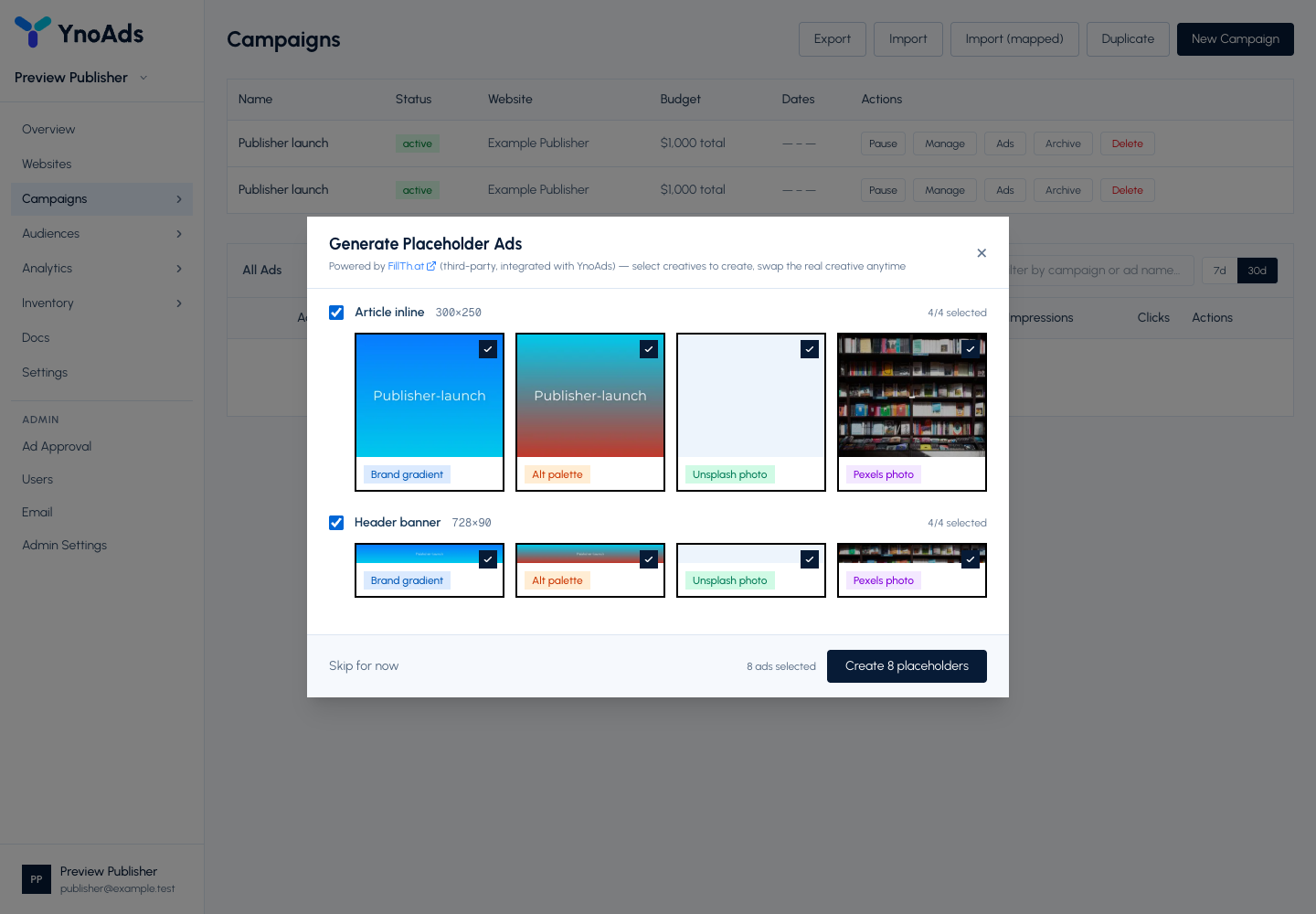
- Select or deselect variants globally per placement or individually.
- Click Create placeholders.
- Confirm the success count.
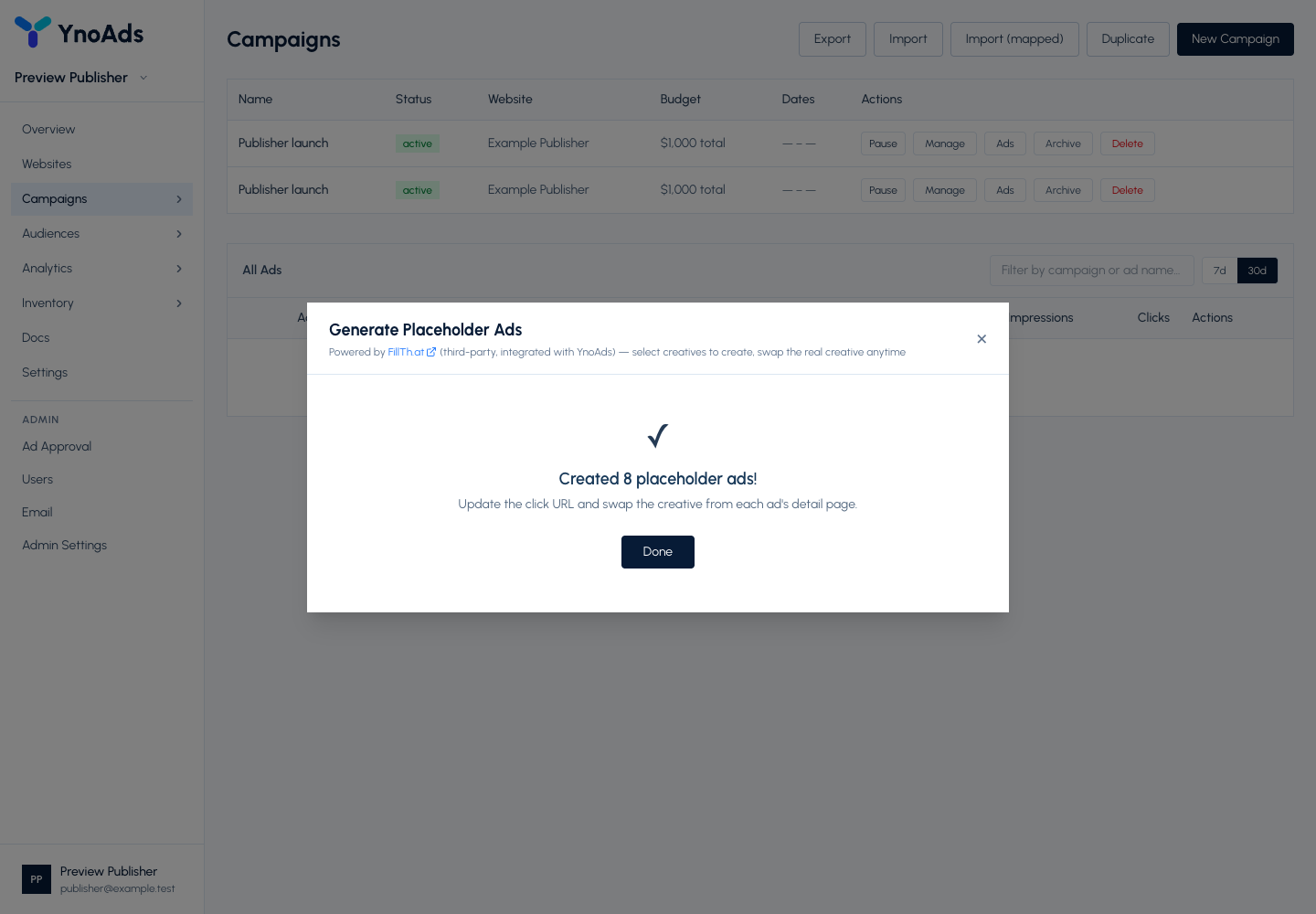
- Open created ads and set the click URL or replace assets later as needed.
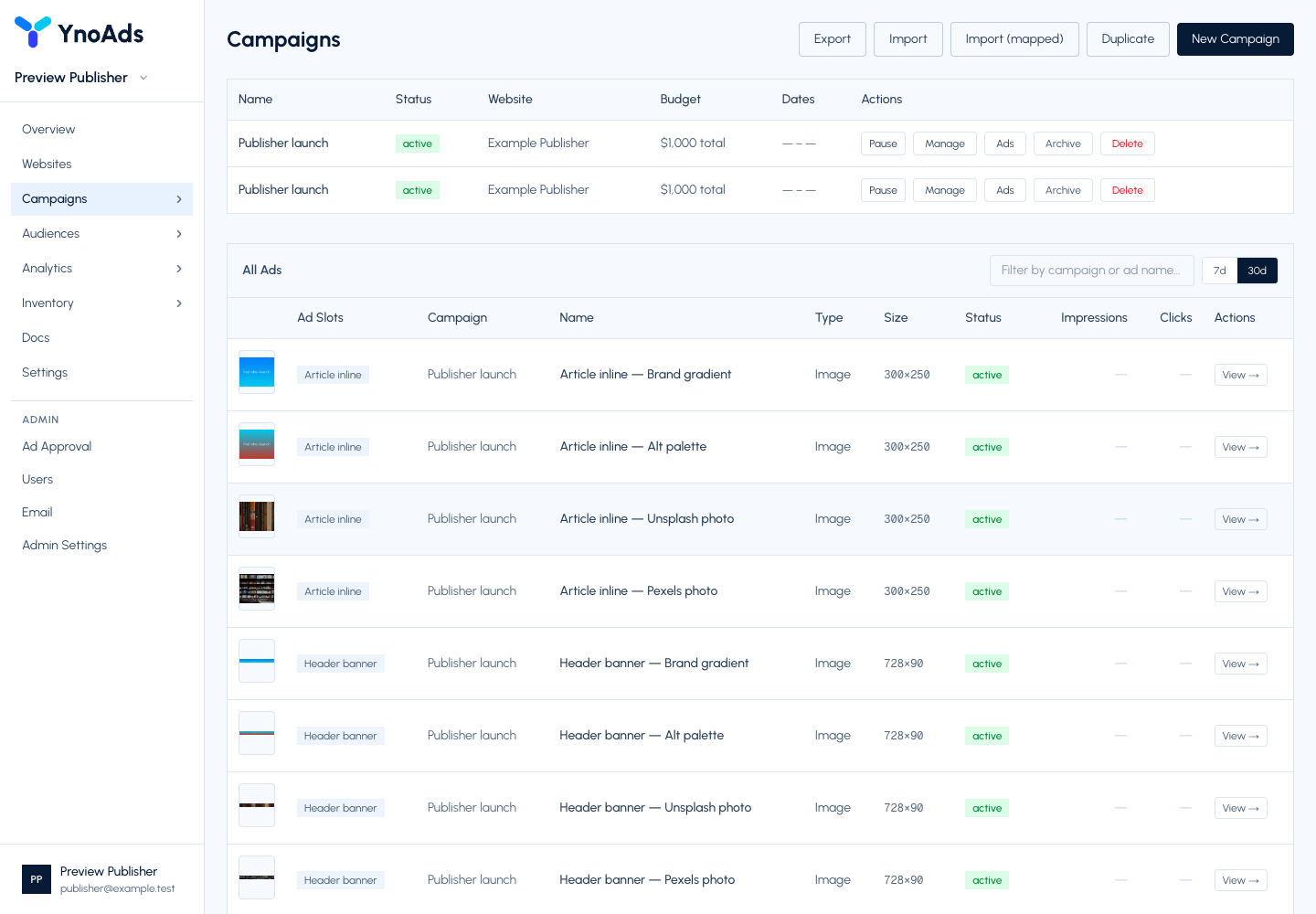
Expected result
- One ad record per selected variant and placement is created.
- Ads use FillTh.at URLs as the asset URL and an intentionally blank click URL until later configuration.